What is a UDF file?
UDF (UYAP Document Format) is the file format that UYAP, Turkey's court information system, uses for documents such as petitions, decisions and notifications. A UDF file is a ZIP archive containing the document text and formatting; the standard apps on an iPhone cannot open it. UDF Mobil opens UDF files directly on the iPhone, with no computer needed.
How to open a UDF file on iPhone
- Download UDF Mobil from the App Store for free.
- Tap the
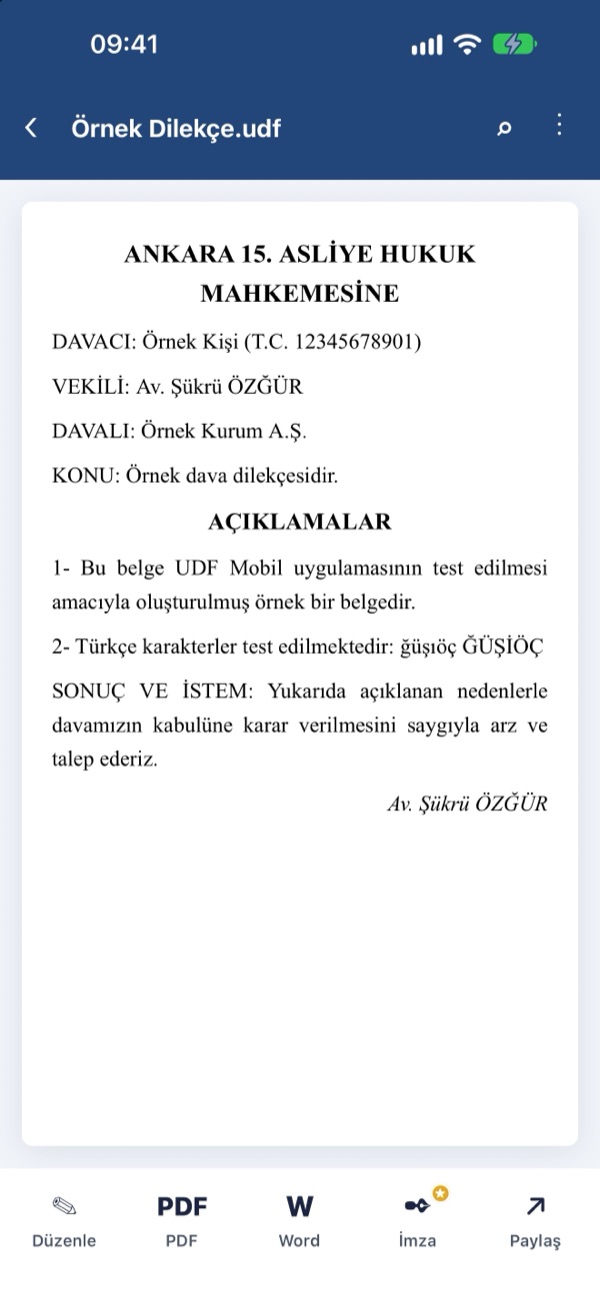
.udffile you downloaded from UYAP in Files, Mail or WhatsApp and choose UDF Mobil from the Share menu. Or open the app and tap Home › UDF Aç (Open UDF) and pick the file. - The document opens with its formatting, tables and images. Use the bottom bar to edit, convert to PDF or Word, sign or share it.
Features
UDF documents
- Open and read UDF files — formatting, tables and images are preserved
- Edit and save back as UDF
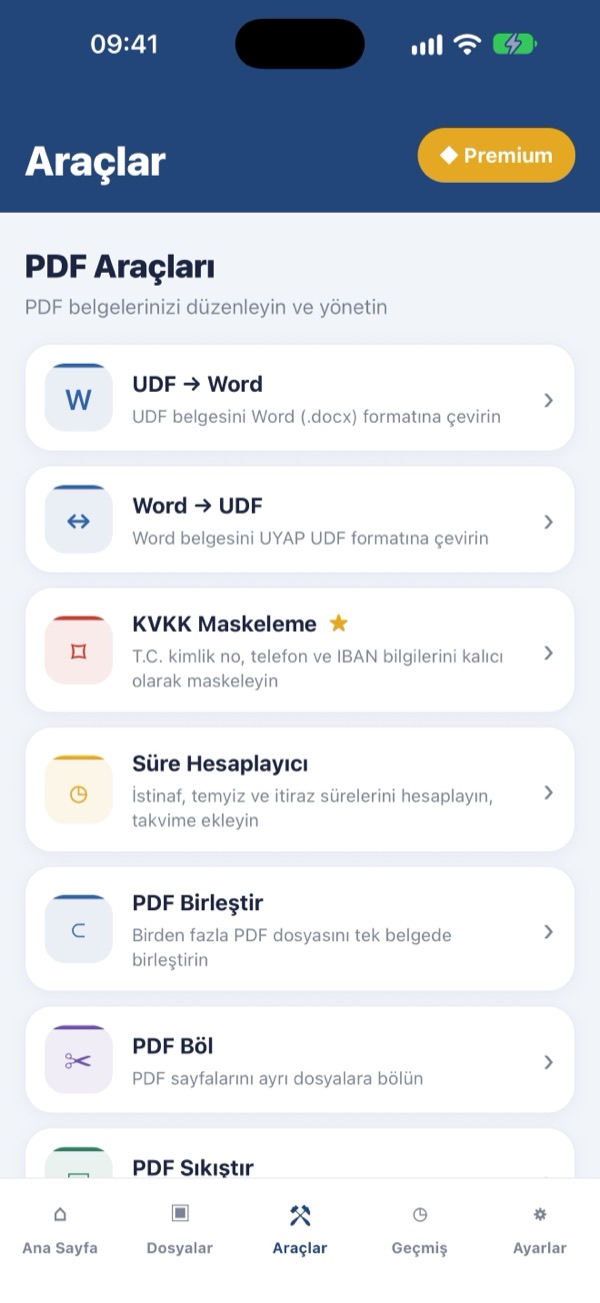
- UDF → PDF, UDF → Word (.docx) and Word → UDF conversion
PDF tools
- Merge, split, compress, watermark and page numbers
- Add and remove passwords, add a handwritten signature
- PDF from TIFF and images, document scanning with the camera
For lawyers
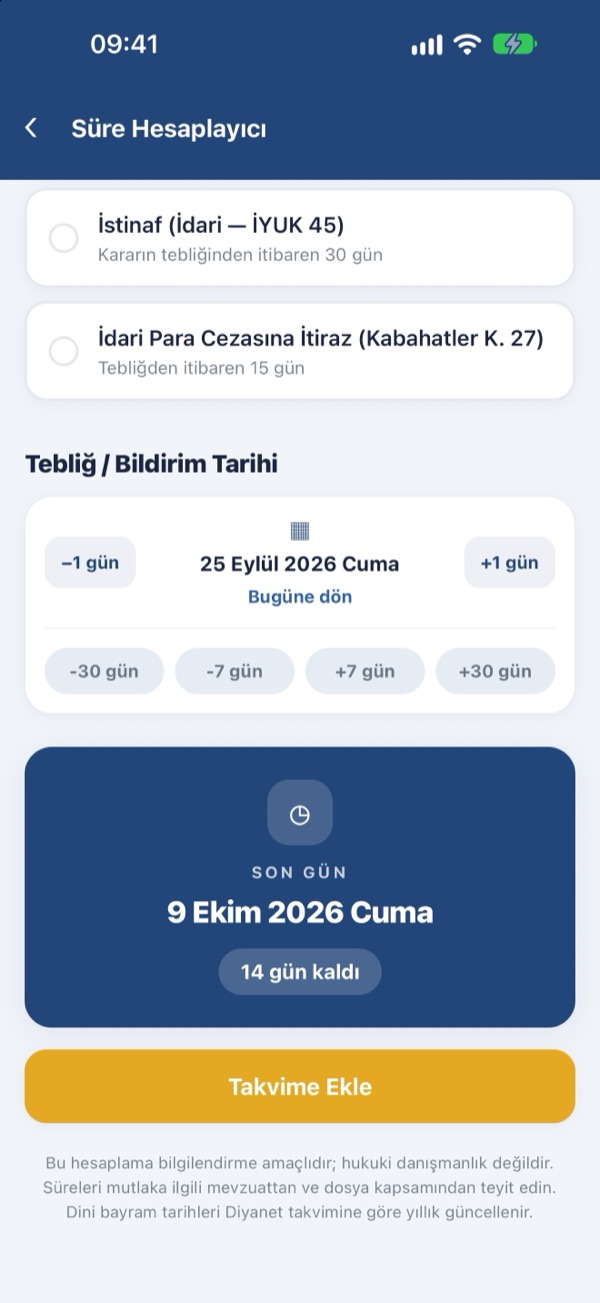
- Deadline Calculator (Süre Hesaplayıcı): appeal and objection deadlines (HMK, CMK, İYUK, İİK) with judicial recess and public holiday adjustment; add the last day to your calendar
- KVKK Redaction: permanently blacks out Turkish ID numbers, phone numbers, IBANs and email addresses
- OCR: extract text from scanned documents on the device
Screenshots
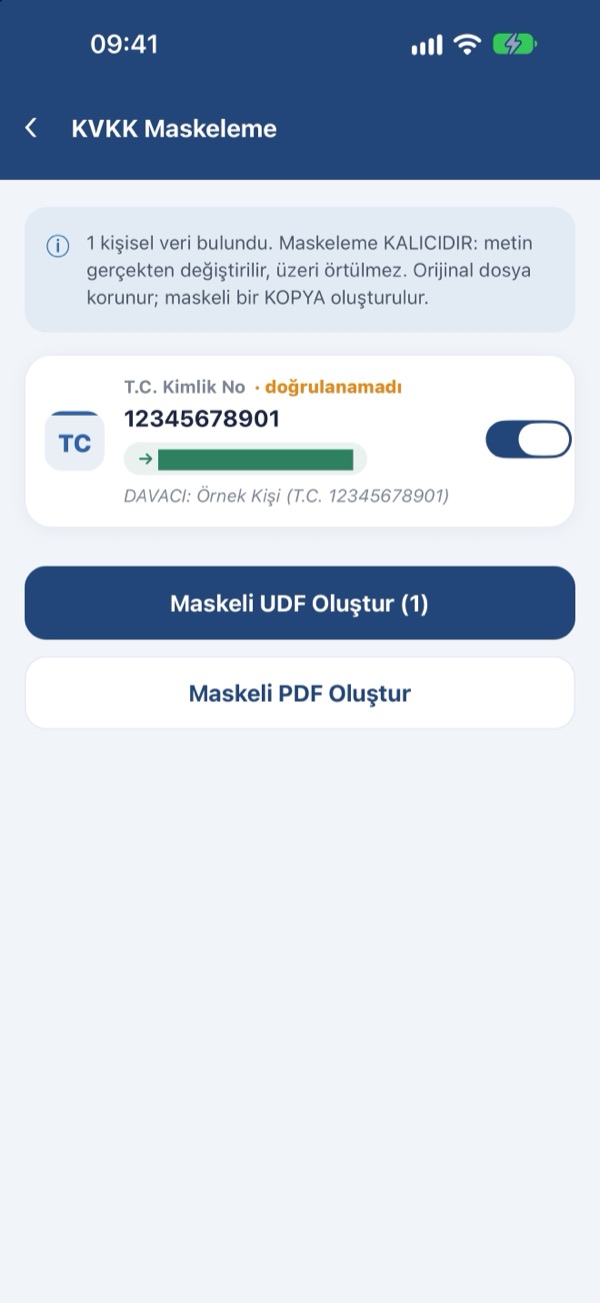
The app interface is in Turkish by default; English can be selected in Settings.
Privacy
Your documents are processed only on your device. Conversion, OCR and KVKK redaction work without an internet connection; document contents and file names are never sent to any server. The app can be locked with Face ID. See the Privacy Policy for details.
App information
- Platform: iPhone, iOS 15.5 or later
- Languages: Turkish, English
- Price: Free (ad-supported). Optional Premium: monthly, yearly or lifetime — removes ads and unlocks OCR, KVKK redaction, PDF encryption and signatures.
- Developer: Emir Kızılırmak
Frequently asked questions
How do I convert a UDF file to PDF or Word?
Open the document in UDF Mobil and tap the PDF or Word button in the bottom bar. The conversion runs on the device; you can save the result or share it by email, WhatsApp or Files. To convert a Word document to UDF, use Tools › Word → UDF.
Is UDF Mobil free?
Yes. It is free to download; opening, editing and converting UDF files is free and ad-supported. Optional Premium removes ads and unlocks OCR, KVKK redaction, PDF encryption and signatures.
Are my documents safe?
Documents are processed only on your device and are never sent to any server. Conversion, OCR and redaction work offline.
Is UDF Mobil an official UYAP app?
No. UDF Mobil is an independent app. It is not developed by the Ministry of Justice of the Republic of Türkiye or by UYAP and does not connect to UYAP.
Support
Questions, bug reports and suggestions: [email protected]