
What's inside
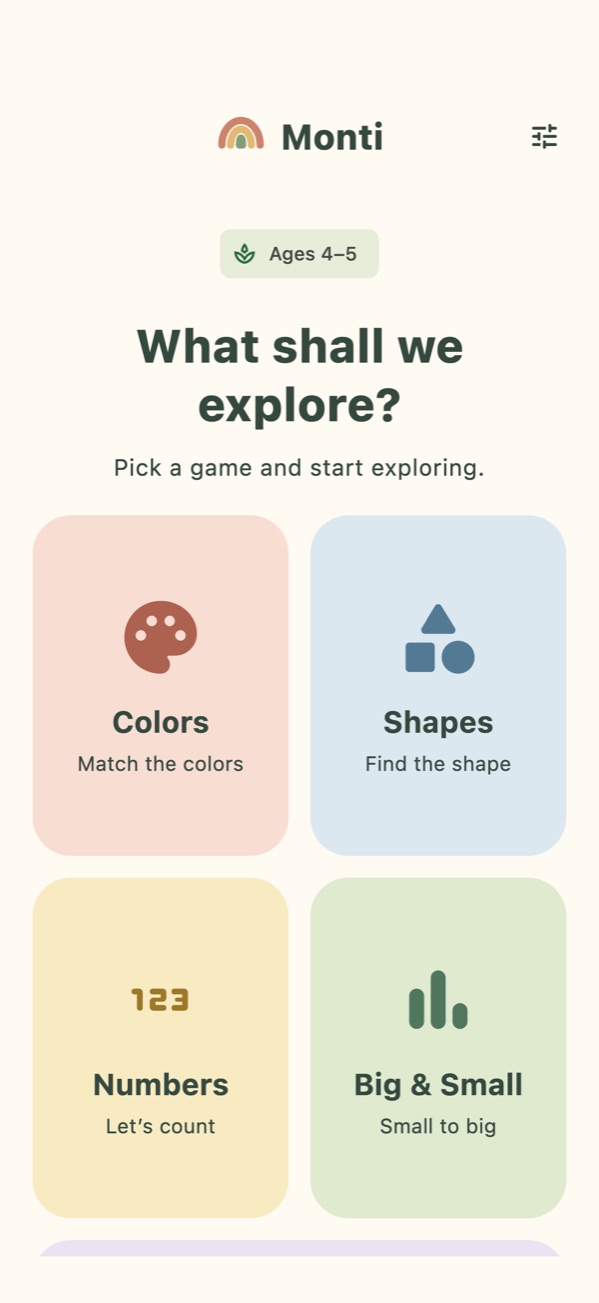
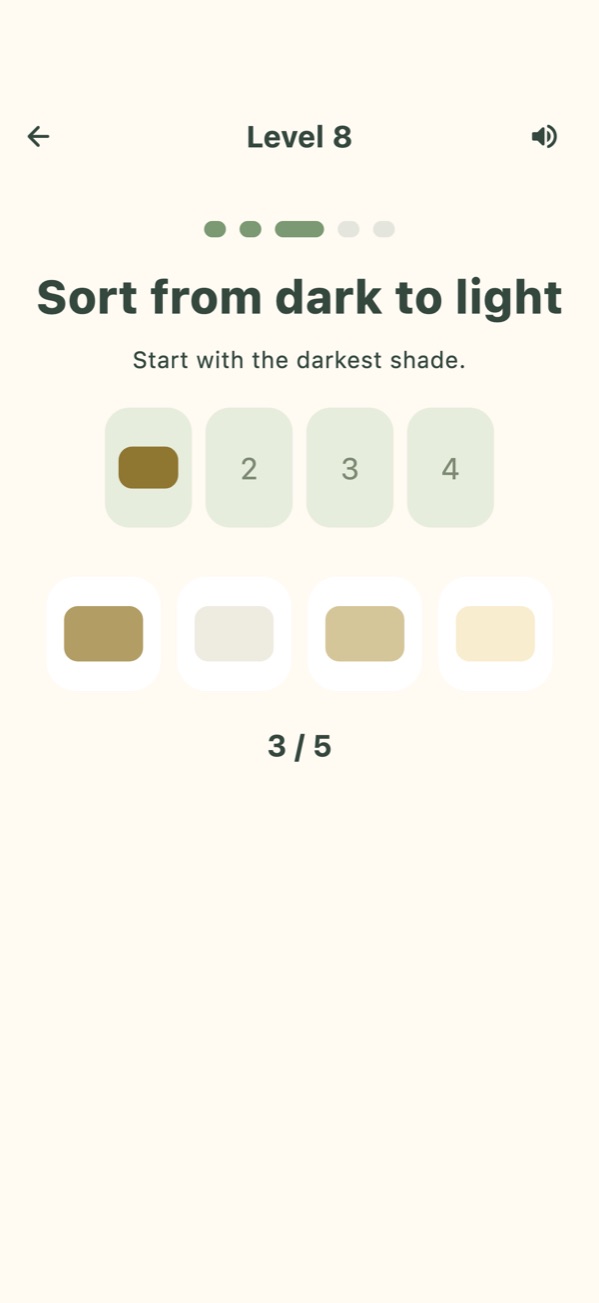
- Colors: matching, memory cards, color baskets, dark-to-light shade sorting.
- Shapes: inset puzzles, odd one out, recognising rotated shapes.
- Numbers: touch counting, filling the basket, more/fewer, ordering and adding.
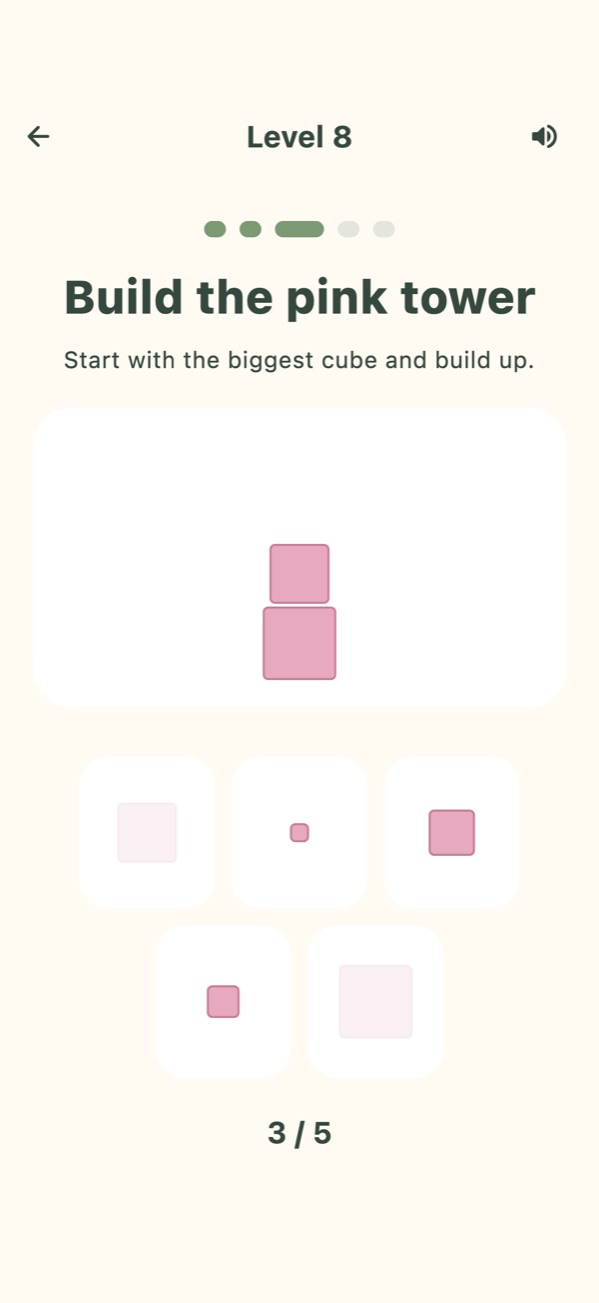
- Big & Small: pink tower, red rods, sorting from small to big.
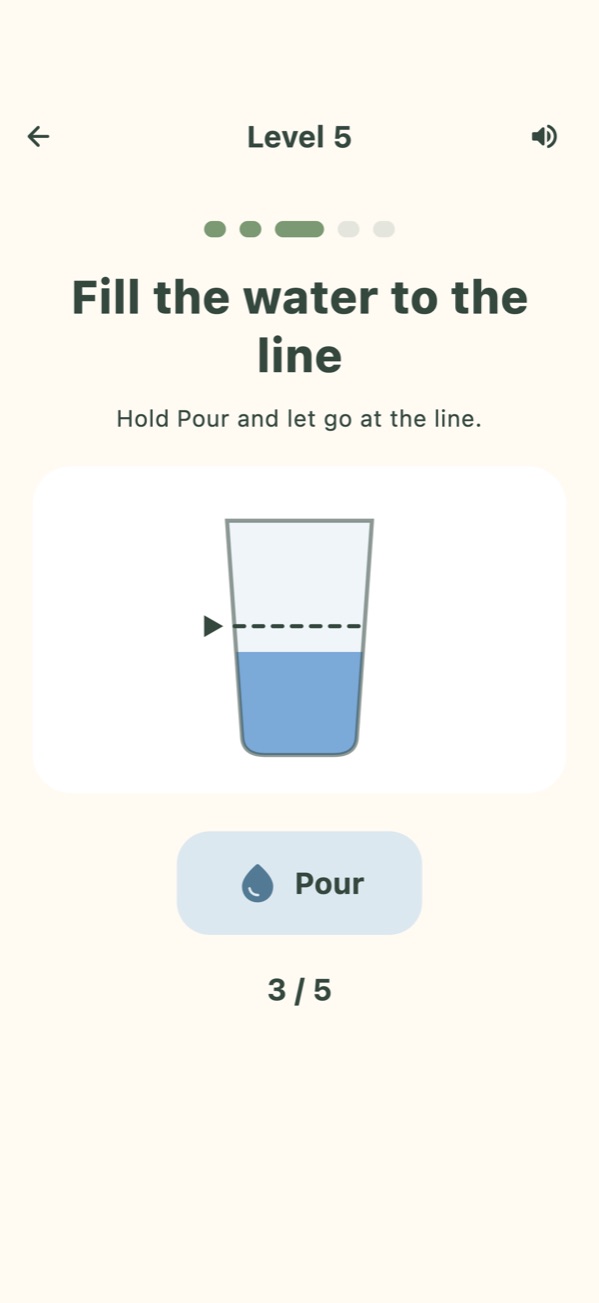
- Practical Life: pouring water, setting the table, matching socks, tidying up, daily routines.
Each area has 10 levels, and 26 different game mechanics unlock as the levels progress. Prompts are read aloud in English and Turkish, so children who can't read yet can play too. Mistakes cost no points: the option gently shakes and after two tries the right answer glows.
Screenshots
For parents
- No ads, no in-app purchases, no accounts and no external links.
- Settings sit behind a question children can't solve (parental gate).
- Daily play time limit with a gentle break screen.
- Guided Access support on iPhone and iPad: your child can't leave the app and can even be kept in one game.
- Progress, stars and the "Discovery Garden" sticker collection for every game.
- A built-in "What is Montessori?" guide.
App information
- Platform: iPhone and iPad, iOS 15.0 or later
- Ages: 2–7 (age groups 2–3, 4–5 and 6–7); App Store age rating 4+
- Languages: English and Turkish interface and spoken prompts (follows the device language, can be changed in Settings)
- Price: Free; no ads and no purchases
- Data: No accounts, no personal information is asked from children. Details in the Privacy Policy.
- Developer: md9.net
FAQ
Is Monti free?
Yes. Monti is completely free: there are no ads, no in-app purchases and no accounts. All content is free; levels unlock one after another as your child plays.
Does Monti work offline?
Yes. The games and spoken prompts work without an internet connection; prompts are read by the device's own speech engine. The internet is only used in the background for anonymous usage statistics and crash reports, which a parent can turn off in Settings › Usage Statistics.
What ages is Monti for?
There are separate difficulty levels for ages 2–3, 4–5 and 6–7. The age group is chosen on first launch and progress is kept separately for each age group. The App Store age rating is 4+.
Is Monti available on Android?
Not yet. Monti is currently available only on the App Store, for iPhone and iPad (iOS 15.0 or later). An Android version has not been released.
How do I keep my child inside the app?
Turn on Settings › Accessibility › Guided Access and set a passcode. With Monti open, press the side button three times and tap "Start". Monti's Settings › Parental Lock page walks you through it.
I can't hear the spoken prompts. What should I do?
Make sure Settings › Spoken Prompts is on in Monti. You can download voices in the device's Settings › Accessibility › Spoken Content › Voices.
How do I reset progress?
Settings › Reset Progress. Age and sound preferences are kept.